We live in a world where we are more conscious of germs than ever before. Since we spend so much of our lives inside our vehicles, it only makes sense that we want to keep that environment clean and healthy. However, newer cars are not like the ones from twenty years ago. Back then, you could pretty much spray a bottle of yellow window cleaner on every surface and call it a day. If you try that today, you might end up with a ruined infotainment system and a repair bill.
At our shop, we see the aftermath of over-eager cleaning all the time. Customers come in with touchscreens that are cloudy, delaminated, or completely unresponsive because they used the wrong techniques. We want to help you keep your interior sanitized without stripping away the protective coatings that make your technology work. Here is our professional guide to cleaning your cabin the right way.
The Sensitivity of Modern Screens
The screen in your dashboard is not a piece of household glass. Most automotive touchscreens are made of plastic or a very thin layer of treated glass with an oleophobic coating. This coating is what helps the screen resist fingerprints and allows your finger to glide across the surface smoothly.
When you use harsh cleaners like ammonia, bleach, or even certain high-strength glass cleaners, you are essentially melting that coating. Once it is gone, the screen will look blotchy and will become much harder to clean in the future. In the worst-case scenarios, the liquid can seep behind the bezel and short out the electronics entirely. This is why we always tell people to put the spray bottle down when they get near the dashboard.
The Right Tools for the Job
You do not need an industrial chemical kit to sanitize your car. In fact, simpler is almost always better.
- Microfiber is King: Never use paper towels or napkins on your screens or instrument clusters. Paper is made of wood pulp and can leave tiny scratches that build up over time. Use a clean, high-quality microfiber cloth that is designated specifically for the interior.
- Isopropyl Alcohol Dilution: If you feel the need to disinfect, a solution of seventy percent isopropyl alcohol is generally safe for most hard surfaces like door handles and steering wheels. However, for the screen itself, you should use it very sparingly and never spray it directly on the device.
- Mild Soap and Water: Good old-fashioned dish soap and warm water are surprisingly effective at breaking down the lipid envelope of most viruses and bacteria. It is the safest option for your leather, vinyl, and plastic trim.
A Step-by-Step Cleaning Process
To get the best results without any risk, we recommend a dry-to-wet approach. Start by using a clean, dry microfiber cloth to wipe away any loose dust or debris from the screen. If you leave dust on the surface and start rubbing with a wet cloth, you are essentially using that dust as sandpaper to scratch the screen.
Once the dust is gone, lightly dampen a corner of your cloth with your cleaning solution. It should be damp to the touch but not dripping. Gently wipe the screen in a circular motion, then immediately follow up with a dry section of the microfiber to buff away any streaks. By applying the liquid to the cloth instead of the screen, you ensure that no moisture can run down into the sensitive electronics at the bottom of the display.
Don't Forget the High-Touch Areas
While everyone focuses on the big screen, the real germs are hiding in the places you touch every single minute you are behind the wheel. When you are sanitizing, pay special attention to the steering wheel, the turn signal stalks, the seatbelt buckles, and the door pull handles.
If you have a leather-wrapped steering wheel, be careful with alcohol-based sanitizers. Alcohol can dry out the natural oils in the leather, leading to cracking and peeling over time. After you sanitize a leather surface, it is a great idea to follow up with a high-quality leather conditioner to keep the material supple and strong.
The Vents and Air Quality
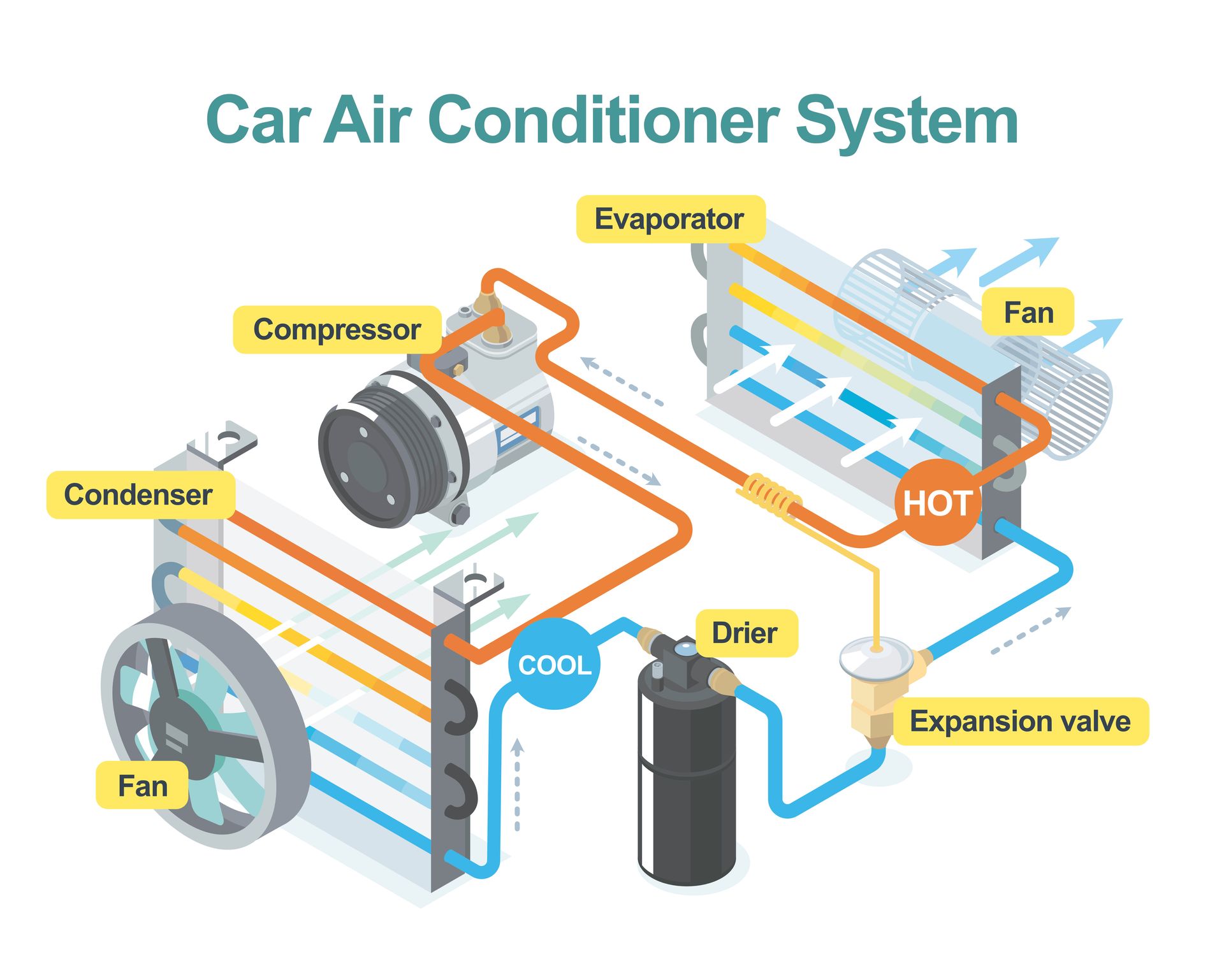
If your car has a musty smell or if you are worried about airborne contaminants, the culprit might be your cabin air filter. This filter is the lungs of your car, and it catches pollen, dust, and bacteria before they enter the cabin. If it is clogged or dirty, you are just blowing old germs around every time you turn on the air conditioning. We recommend changing this filter at least once a year to keep the air you breathe as clean as the surfaces you touch.
Maintaining a clean and healthy vehicle should not be a stressful chore. If you are unsure about which products are safe for your specific make and model, or if your touchscreen has already started to show signs of wear or cloudiness, we are here to help provide a second opinion.
For all your other automotive service needs, give us a call or stop by
Power Automotive in Santa Clarita, CA, to keep your car feeling like new.